Examples of usage

Screenshot Description
Icon How to use the control (general)
A general description of how to add the ActiveBarcode control into Documents.
Icon Excel 97-2003 (Control)
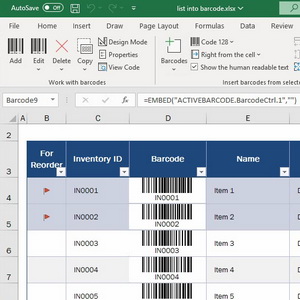
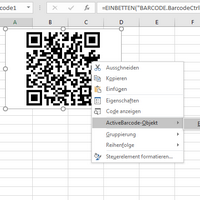
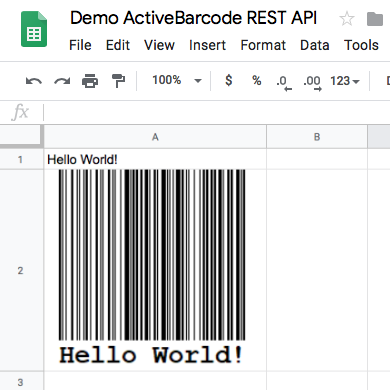
How to use the control in Excel and bind it to a cell
Icon Excel 2007 (Control)
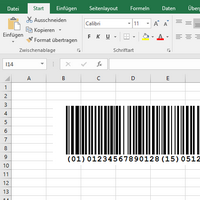
How to use the control in Excel and bind it to a cell
Icon Excel 2010 (Control)
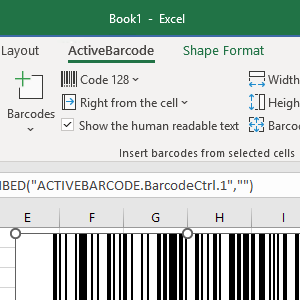
How to use the control in Excel and bind it to a cell
Icon Excel 97-2003 (Application)
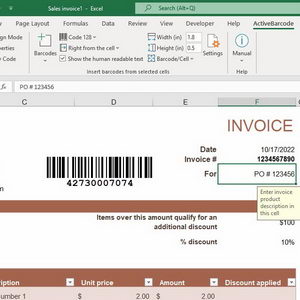
How to add barcode images to Excel sheets using the ActiveBarcode Application
Icon Excel 2007 (Application)
How to add barcode images to Excel sheets using the ActiveBarcode Application
Icon Excel (VBA)
Usage of ActiveBarcode in Excel with VBA
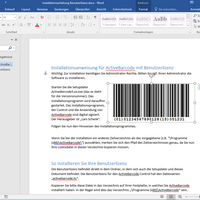
Icon Word 97-2003 (Control)
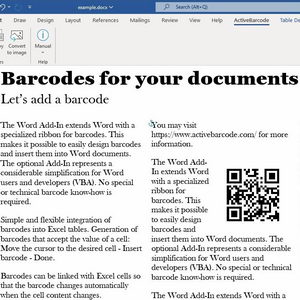
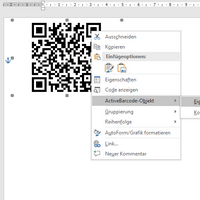
How to use the control in Word.
Icon Word 2007 (Control)
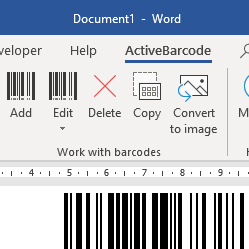
How to use the control in Word.
Icon Word 2010 (Control)
How to use the control in Word.
Icon Word 97-2003 (Application)
How to add barcode images to Word documents using the ActiveBarcode Application
Icon Word 2007 (Application)
How to add barcode images to Word documents using the ActiveBarcode Application
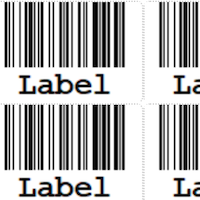
Icon Word (Labels)
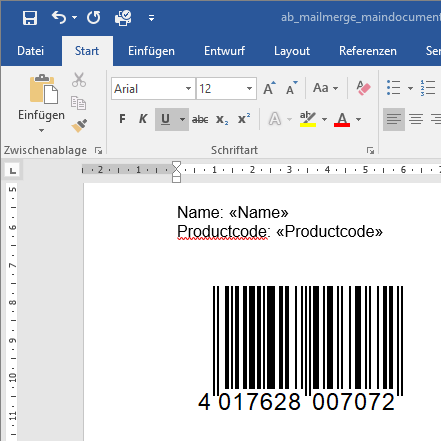
Creation of a label sheet with barcodes
Icon Word (VBA)
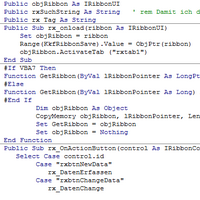
Usage of ActiveBarcode in Word with VBA
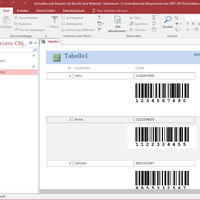
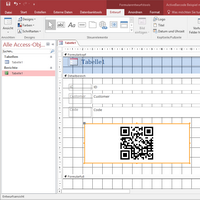
Icon Access 2000-2003 Report
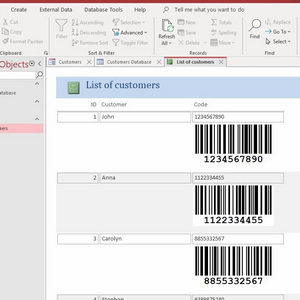
How to use the control in Access reports and bind it to a database field
Icon Access 2000-2003 Form
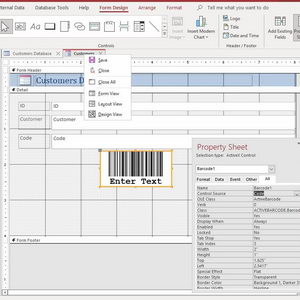
How to use the control in Access and bind it to a database field
Icon Access 2007 Report
How to use the control in Access reports and bind it to a database field
Icon Access 2007 Form
How to use the control in Access forms and bind it to a database field
Icon Access 2010 Report
How to use the control in Access reports and bind it to a database field
Icon Access 2010 Form
How to use the control in Access and bind it to a database field
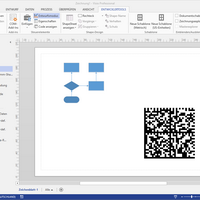
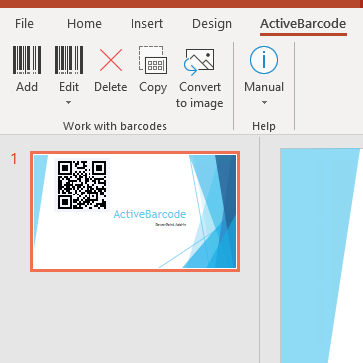
Icon PowerPoint 2007 (Control)
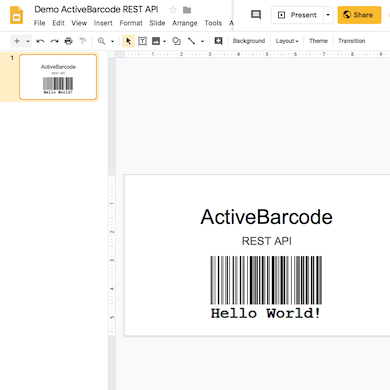
How to use the control in Powerpoint.
Icon PowerPoint 2010 (Control)
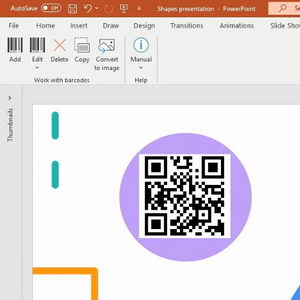
How to use the control in PowerPoint 2010.
Icon MS Publisher (Application)
How to add barcode images to MS Publisher documents using the ActiveBarcode Application
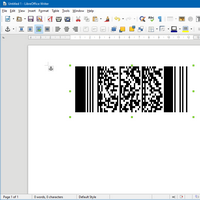
Icon OpenOffice.org (Application)
How to add barcode images to OpenOffice.org documents using the ActiveBarcode Application
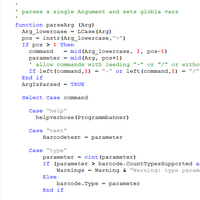
Icon OpenOffice Calc (Script)
Usage of ActiveBarcode with OpenOffice Basic to convert data fields into barcode images
Screenshot Description
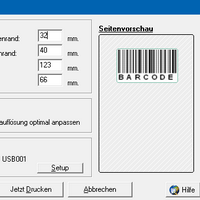
Icon Print one barcode
Print a barcode in a specified size on a exact position onto a sheet.
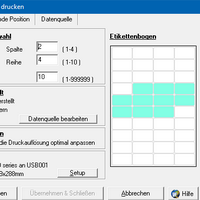
Icon Print barcode labels
Print labels containing barcodes
Icon Labels with data import
Print labels with data import.
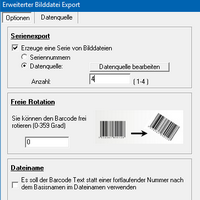
Icon Serial-Export
Export barcode as images files in series.
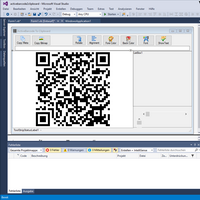
Icon Visual Studio 2010
How to use the control in Visual Studio 2010, e.g. in Visual Basic, C# or C++.
Icon Visual Basic
How to use the control in Visual Basic.
Icon Visual C# and C++
How to use the control in Visual C# and C++.
Icon Visual J#
How to use the control in Visual J#.
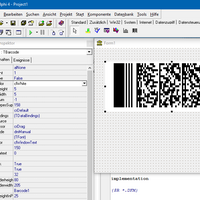
Icon Delphi 2005- (Control)
How to use the control in Delphi.
Icon Delphi 4-7 (Control)
How to use the control in Delphi.
Icon REAL basic
How to use the control in REAL basic.
Icon VisualBasic Script
How to use ActiveBarcode with VisualBasic Script
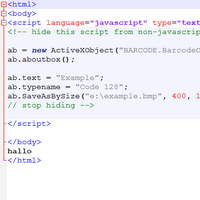
Icon Javascript
How to use the barcode control with JavaScript (Windows)
Icon Lotus Notes (Control)
How to use the control in Notes.
Icon LotusScript
How to use the control in LotusScript / Lotus Domino.
Icon Freelance (Control)
How to use the control in Feeelance.
Icon Freehand MX (Application)
How to add barcode images to Freehand MX documents using the ActiveBarcode Application
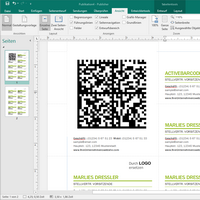
Icon InDesign (Application)
How to add barcode images to InDesign documents using the ActiveBarcode Application
Icon Illustrator (Application)
How to add barcode images to Illustrator documents using the ActiveBarcode Application
Icon QuarkXPress (Application)
How to add barcode images to QuarkXPress documents using the ActiveBarcode Application
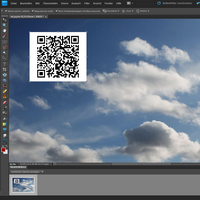
Icon Image editors (Application)
Add a barcode to your images
Icon Barcodes in Linux
Use the ActiveBarcode Application (Win) in Linux with Wine
Icon Works Text (Application)
How to add barcode images to Works Text documents using the ActiveBarcode Application
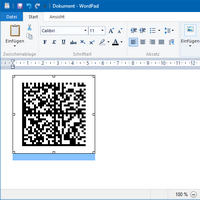
Icon WordPad (Application)
How to add barcode images to WordPad documents using the ActiveBarcode Application


rss twitter Bookmark and Share
| Home | Shop | Email | Datenschutz | Sitemap | Print preview | Version 5.57 | © Lars Schenk & Frank Horn

All trademarks and product names mentioned are the property of their respective owners.