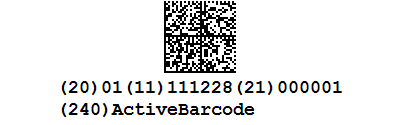
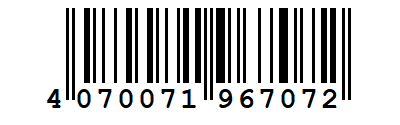
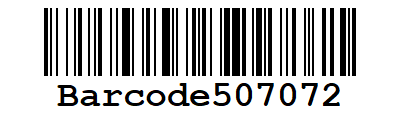
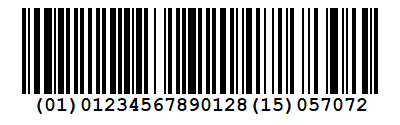
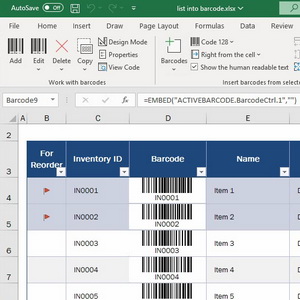
 ActiveBarcode is an efficient, reliable, and versatile Barcode Creation Software Solution.
Simply use barcodes...
Our Add-Ins for Microsoft Office provide an additional menu ribbon for the usage of ActiveBarcode in your documents. This makes it easier and more intuitive to use the barcode object in the Office applications.
 New
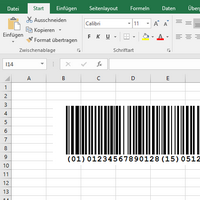
How to add barcodes to Excel 365 and Excel for the Web. Embed and automate barcodes in Excel and link barcodes to the content of cells.
New
How to add barcodes to Excel 365 and Excel for the Web. Embed and automate barcodes in Excel and link barcodes to the content of cells.
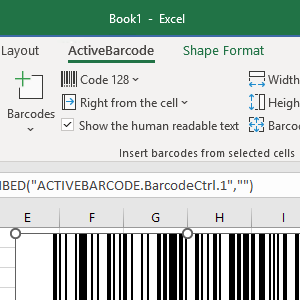 Embed and automate barcodes in your Excel sheets. Link the barcode object to the content of a cell.
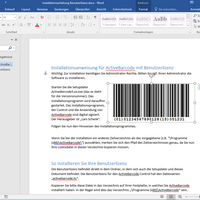 Embed and automate barcodes in your Word documents. Create documents with barcodes that adapt your needs.
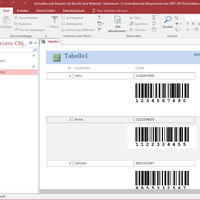 Embed and automate barcodes in your Access database. Bind our barcode object to a data field in reports or forms.
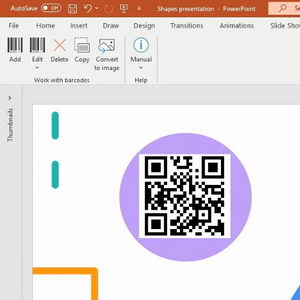 Add barcodes to your PowerPoint presentations to capture data quickly and optimize processes.
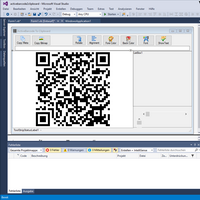 Add powerful barcode technology to your applications. Use the barcode object like a custom control (OCX, COM component, ActiveX).
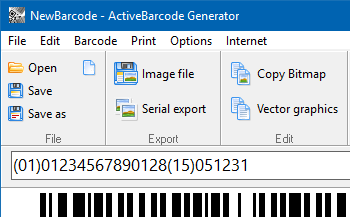
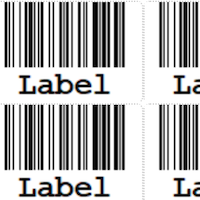
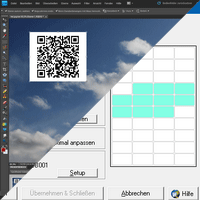 Generate high-precision barcode Bitmap images or vector graphics. Print barcodes into forms or on label sheets.
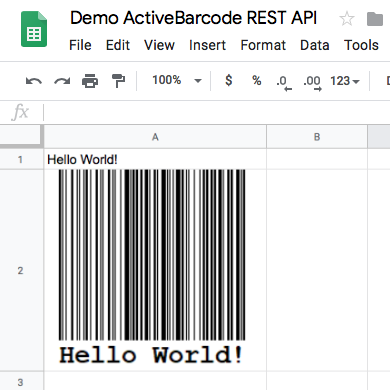
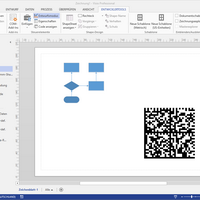 Insert barcodes into any document.
New
Embed and automate barcodes in your Excel sheets. Link the barcode object to the content of a cell.
Embed and automate barcodes in your Word documents. Create documents with barcodes that adapt your needs.
Embed and automate barcodes in your Access database. Bind our barcode object to a data field in reports or forms.
Add barcodes to your PowerPoint presentations to capture data quickly and optimize processes.
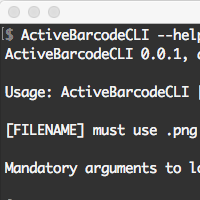
Add powerful barcode technology to your applications. Use the barcode object like a custom control (OCX, COM component, ActiveX).
Generate high-precision barcode Bitmap images or vector graphics. Print barcodes into forms or on label sheets.
Insert barcodes into any document.