How to setup ActiveBarcode:
If you downloaded ActiveBarcode as ZIP, unzip the archive first.
Run the file ActiveBarcode-Setup6.12.0.exe.
To start the installation, allow the installation program to make changes to your device:
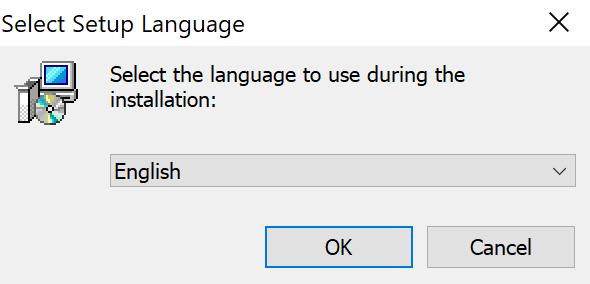
Select or change the language for the installation process:
Installation hints:
More instructions on how to work with the ActiveBarcode object and add-ins can be found here:
Run the file ActiveBarcode-Setup6.12.0.exe.
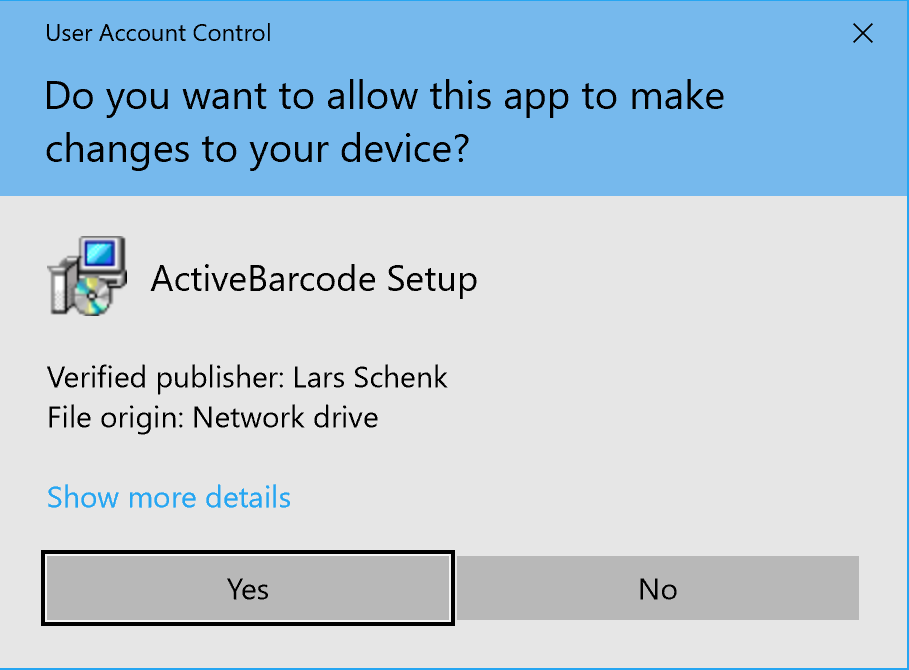
To start the installation, allow the installation program to make changes to your device:
Select or change the language for the installation process:
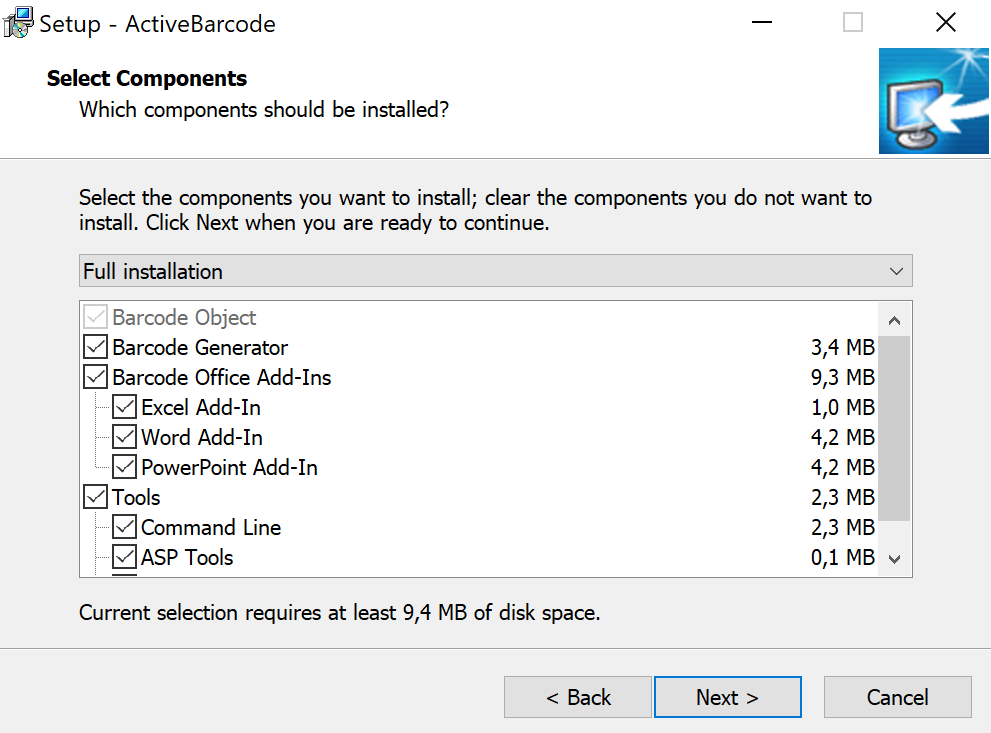
Installation hints:
- ActiveBarcode-Setup6.12.0.exe and all componentes are digitally signed by the publisher Lars Schenk.
- You need administrator rights for the installation. If necessary, ask your administrator to install the software.
- On a 64bit system, all required components for both 64bit and 32bit are automatically installed so that it is ensured that the required components are always available, regardless of the container used.
- The Office add-ins are automatically available after installation and do not need to be activated explicitly.
- The ActiveBarcode object is available system-wide.
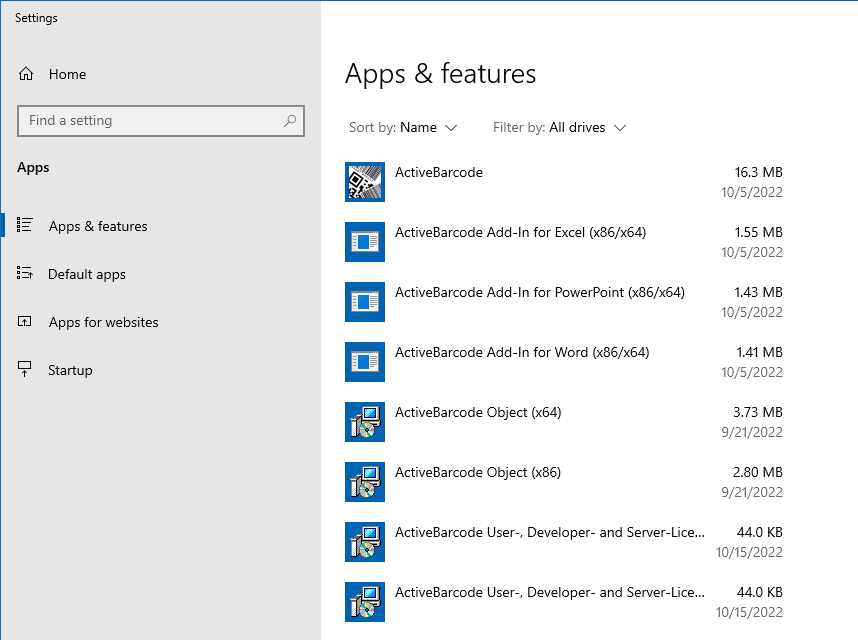
- Installed ActiveBarcode components can be viewed under Programs and Features.
- You can run the ActiveBarcode Generator from the start menu.
- Tip: The ActiveBarcode object is even more flexible and powerful than only the ActiveBarcode generator. Learn how to use the ActiveBarcode object and the Office Add-Ins.
More instructions on how to work with the ActiveBarcode object and add-ins can be found here: