Barcode command line interface (CLI)

 API Key

Generate barcodes on Linux, macOS and Windows
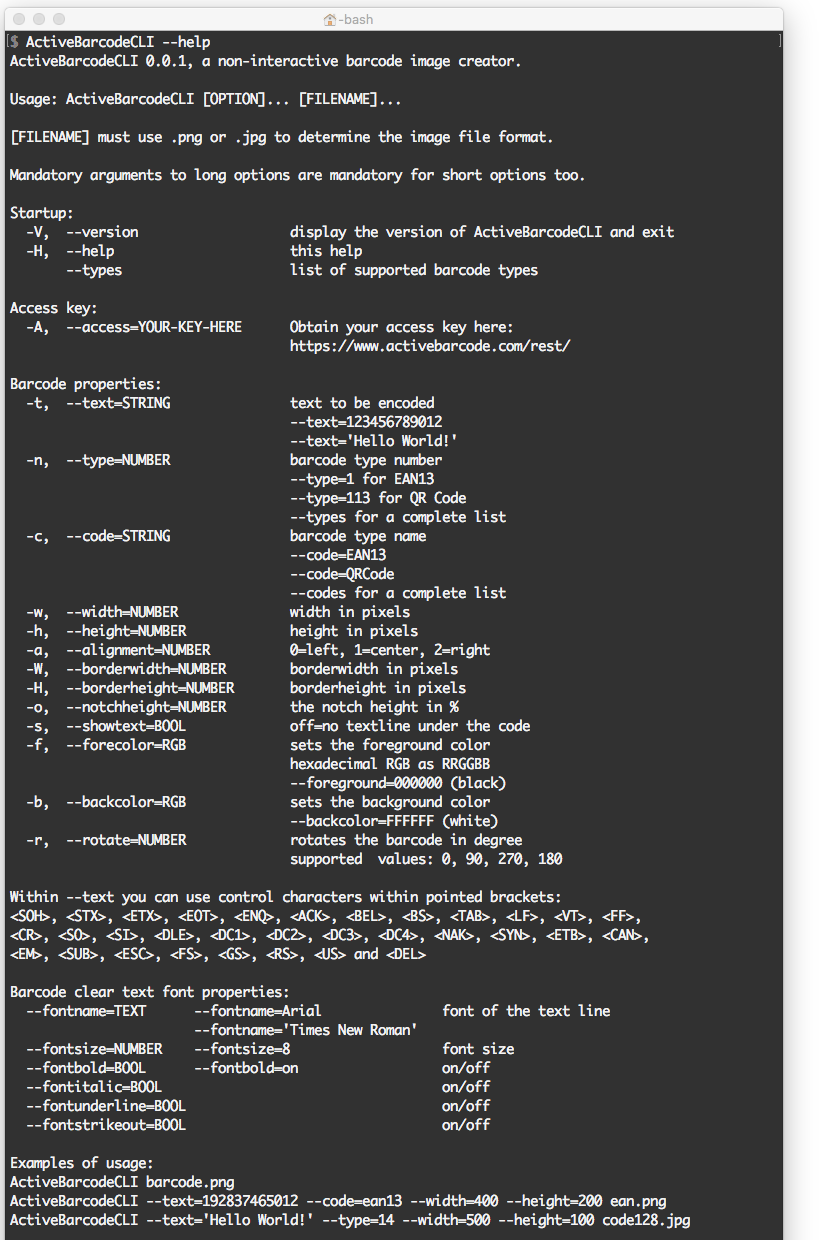
ActiveBarcode: Generate barcodes at the command lineYou can use the ActiveBarcode command line tool to create barcode images files directly from the command line. Use it in the shell, in scripts or applications.

  • ActiveBarcodeCLI is a non-interactive barcode image creator.
  • ActiveBarcodeCLI is open source hosted on github: You can contribute, redistribute and/or modify it under the terms of the GNU GPL.
  • ActiveBarcodeCLI is a simple bash script as a wrapper tool for the ActiveBarcode REST API to easily create highly accurate barcode images at the command line.
  • It can be used to create png and jpg bitmaps.
  • It helps to automate your barcode needs, is versatile and platform independent.
  • ActiveBarcodeCLI runs on Linux, macOS and Windows.
  • ActiveBarcodeCLI installs quick and easy via 🍺 Homebrew.
  • Very compact and lightweight and therefore also perfectly suited for embedded systems.
  • Runs on low end devices such as Raspberry Pi.
  • The installation of the ActiveBarcode software suite for Windows is not required.
ActiveBarcode: Highly accurate barcodes
Highly accurate barcodes
ActiveBarcode: At the command line
At the command line
ActiveBarcode: PNG and JPG image files
PNG and JPG image files
ActiveBarcode: Automation
Automation
ActiveBarcode: Versatile in use
Versatile in use

Examples

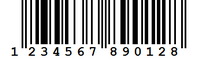
ActiveBarcode: Barcode exampleThe following call of the tool will create a 400x200 pixels sized PNG image file named ean.png with an EAN-13 barcode encoding 192837465012.
ActiveBarcodeCLI --text=192837465012 --code=ean13 --width=400 --height=200 ean.png 
One more example: The following call of the tool will create a 500x100 pixels sized JPG image file named code128.jpg with an Code 128 barcode encoding Hello World.
ActiveBarcodeCLI --text='Hello World' --type=14 --width=500 --height=100 code128.jpg

Installation

With Homebrew
brew install schenk/barcode/activebarcodecli
For alternate installation methods check out the project page on github.

Command line parameters for the console

Usage:

ActiveBarcodeCLI [OPTION]... [FILENAME]

The following parameters can be used:

text

Example: --text=123456789012
Characters to be encoded.
You can enter control codes in human readable form like this: <CR>, <LF>, ...
ActiveBarcodeCLI "--text=(02)00614141000418(15)210228(10)451214<FNC1>(37)20" --type=28 gs1.png

If you want to use the quotation mark within the text, you can escape it. To escape special characters in bash, you can generally precede the character with a backslash (\). This tells bash to interpret the next character literally.
ActiveBarcodeCLI "--text=ABC\"123" --type=14 test.png
Or you can enter any ASCII character with printf. Example to encode ABC"123:
ActiveBarcodeCLI "--text=ABC$(printf "\x22")123" --type=14 test.png

type

Example: --type=0
Barcode type, referenced by an indexed number

code

Example: --code=CODECODE128
Barcode type, referenced by the name

width

Example: --width=500
Width in pixels

height

Example: --height=500
Height in pixels

alignment

Example: --alignment=1
Alignment
0=left
1=center
2=right

borderwidth

Example: --borderwidth=10
Borderwidth in pixels

borderheight

Example: --borderheight=1
Borderheight in pixels

notchheightinpercent

Example: --notchheightinpercent=25
The notch height in %

showtext

Example: --showtext=off
Hide the textline under the barcode. Default is on.

forecolor

Example: --foreground=000000 | -foreground=black
Sets the foreground color, hexadecimal RGB as RRGGBB
or with CSS/HTML color names

backcolor

Example: --background=FFFFFF | -background=white
Sets the background color, hexadecimal RGB as RRGGBB
or with CSS/HTML color names

rotate

Example: --rotate=180
Rotates the image file
(valid values: 0-359)

fontsize

Example: --fontsize=8
Font size

help

Example: --help
A detailed help page

access

Example: --access=YOUR-KEY-HERE
You can try out and evaluate the REST API by omitting the API key. Without the access key, the barcode will be branded with a notice: DEMO