Simply create barcodes
with the ActiveBarcode Generator for Windows
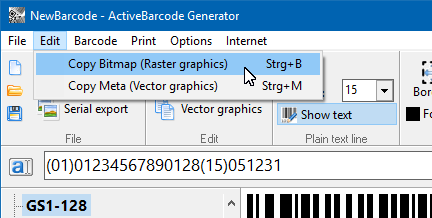 The ActiveBarcode Generator is the stand alone application to print barcodes or create bitmaps and vector graphics of barcodes. The operation is almost self explanatory and so easy that you create barcodes in the blink of an eye.
Simply specify the desired text to be encoded and the barcode type to create a barcode instantly. You can transfer this barcode via the Windows Clipboard directly into your document or save it for later use as an image file.
Easy to use
1
Enter your data to encode

2
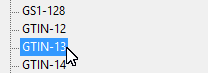
Select
barcode type
3
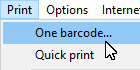
Use the
barcode
4
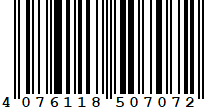
Done!

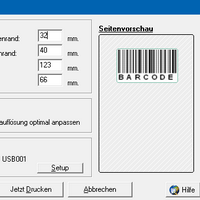
Highly accurate barcodes

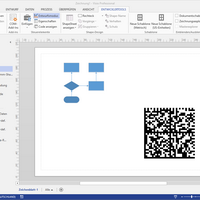
Bitmaps and vector graphics

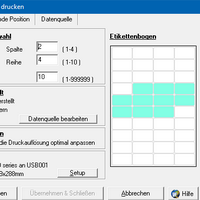
Labels with barcodes

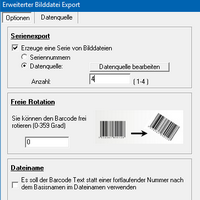
Prints and exports in series

Easy to use
Click on one of the following buttons to learn more about the individual functions: