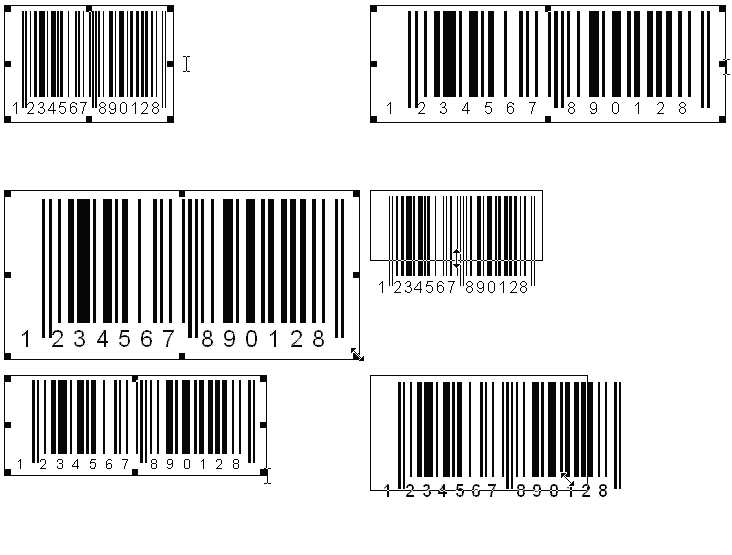
Freely scalable vector graphics
| WMF and EMF vector graphics |
With ActiveBarcode you can save barcodes as vector graphics (WMF, EMF).
These graphics formats allow free scaling without losses.
How do I create vector graphics?
You can save vector graphics with the ActiveBarcode Application as a file.
To do this use the function "Export" from the menu "File" and select
vector format when saving.
You can copy a vector graphics to the Windows clipboard when using the
ActiveBarcode Application.
For this use the function "Copy Metafile" from the Menu "Edit".
You can save vector graphics as a file using the ActiveBarcode Control's method
SaveAs,
SaveAsBySize or
SaveAsBySizeExtended.
You can save a vector graphics at the console (command line) using the Barcode2Image tool.
|
| General information to WMF and EMF | Windows metafiles are an alternative storage possibility for graphics.
In contrast to bitmaps the Windows metafiles (WMF, EMF) contain the picture information as commands and not as picture dots.
This allows free scaling of the graphics without losses, as
only the coordinates for the graphics commands are new computed.
What is aWindows metafile (WMF)?
A WMF is a 16 bit metafile which can be used from Windows 3.x to show a picture.
What is an Enhanced metafile (EMF)?
An EMF is a 32 bit metafile which can be used from Windows 95 (not Windows 3.x) to show a picture.
An EMF can contain a broader variety of commands than a normal WMF file.
Basically an EMF is an advanced form of 16 bit metafile format.
|

| Home |
Shop |
Email |
Datenschutz |
Sitemap | © Lars Schenk & Frank Horn
All trademarks and product names mentioned are the property of their respective owners.
|
|